Media Facades in India: How Transparent LED Displays Are Transforming Modern Buildings
Modern architecture is evolving beyond aesthetics. Today’s commercial buildings are becoming dynamic digital spaces that communicate with customers, visitors, and the surrounding city.
One of the biggest innovations driving this transformation is the media facade.
From shopping malls and luxury retail stores to corporate offices, hotels, and commercial towers, transparent LED media facades are helping businesses turn ordinary glass buildings into memorable digital experiences.
Unlike traditional billboards, media facades become part of the building itself—enhancing its appearance while creating new opportunities for branding, communication, and engagement.
What Is a Media Facade?
A media facade is a digital display integrated directly into the architecture of a building.
Instead of placing a separate billboard or LED screen outside the structure, the building itself becomes the display surface.
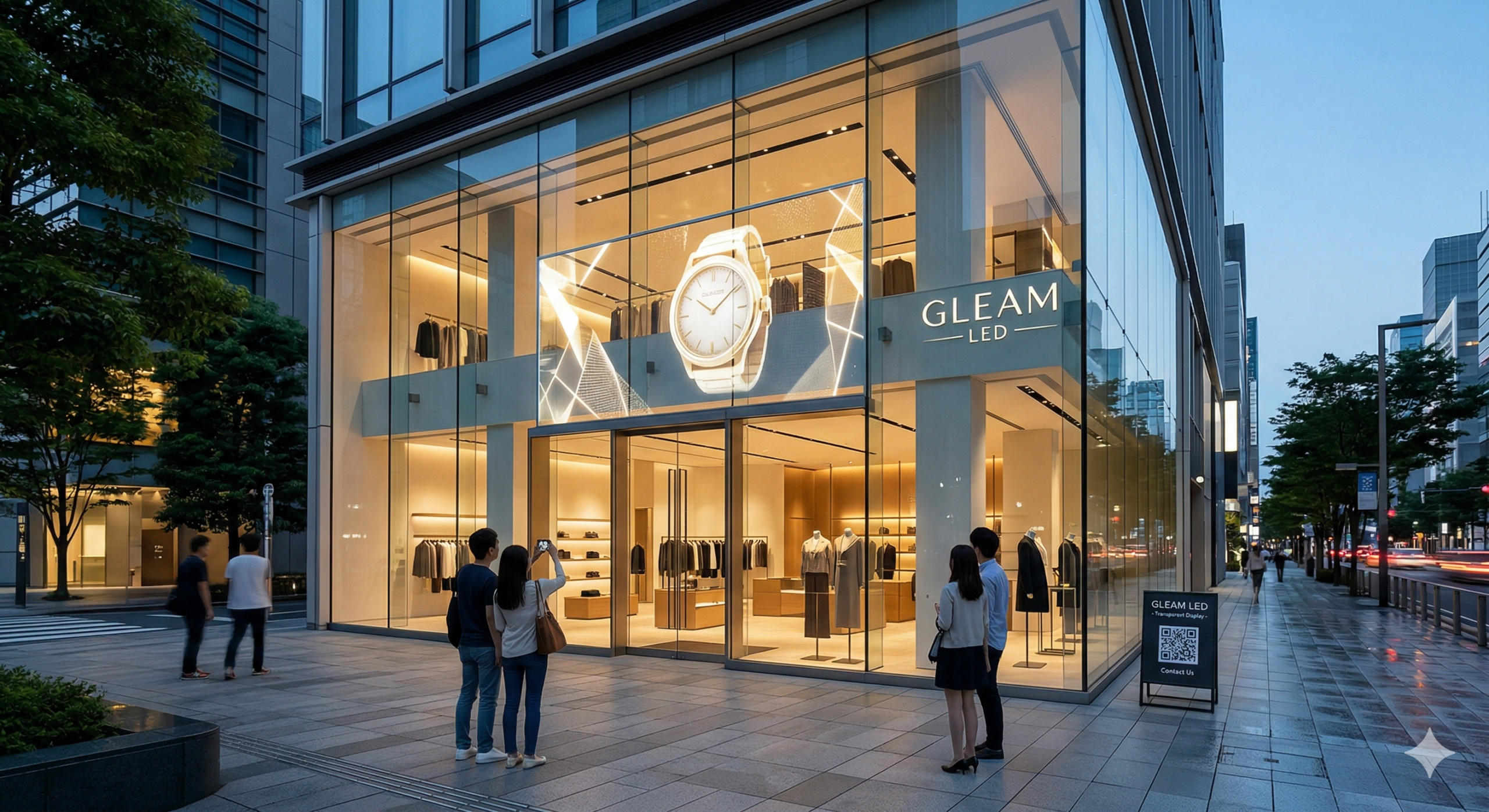
Modern media facades commonly use transparent LED displays, allowing digital content to appear on glass while preserving natural light and visibility.
This creates an elegant balance between technology and architecture.
Why Transparent LED Displays Are Ideal for Media Facades
Transparent LED displays offer several advantages over conventional LED walls.
Unlike traditional displays that completely block windows or glass facades, transparent LED technology allows people to see through the display while still delivering bright, eye-catching visuals.
This makes them particularly suitable for:
- Commercial office buildings
- Retail storefronts
- Shopping malls
- Airports
- Hotels
- Showrooms
- Experience centres
For businesses looking to modernize their buildings without compromising architectural design, transparent LED displays offer the perfect solution.
👉 Explore our Transparent Display Solutions:
https://gleamled.com/our-products/transparent-display/
Where Are Media Facades Used?
Retail Stores
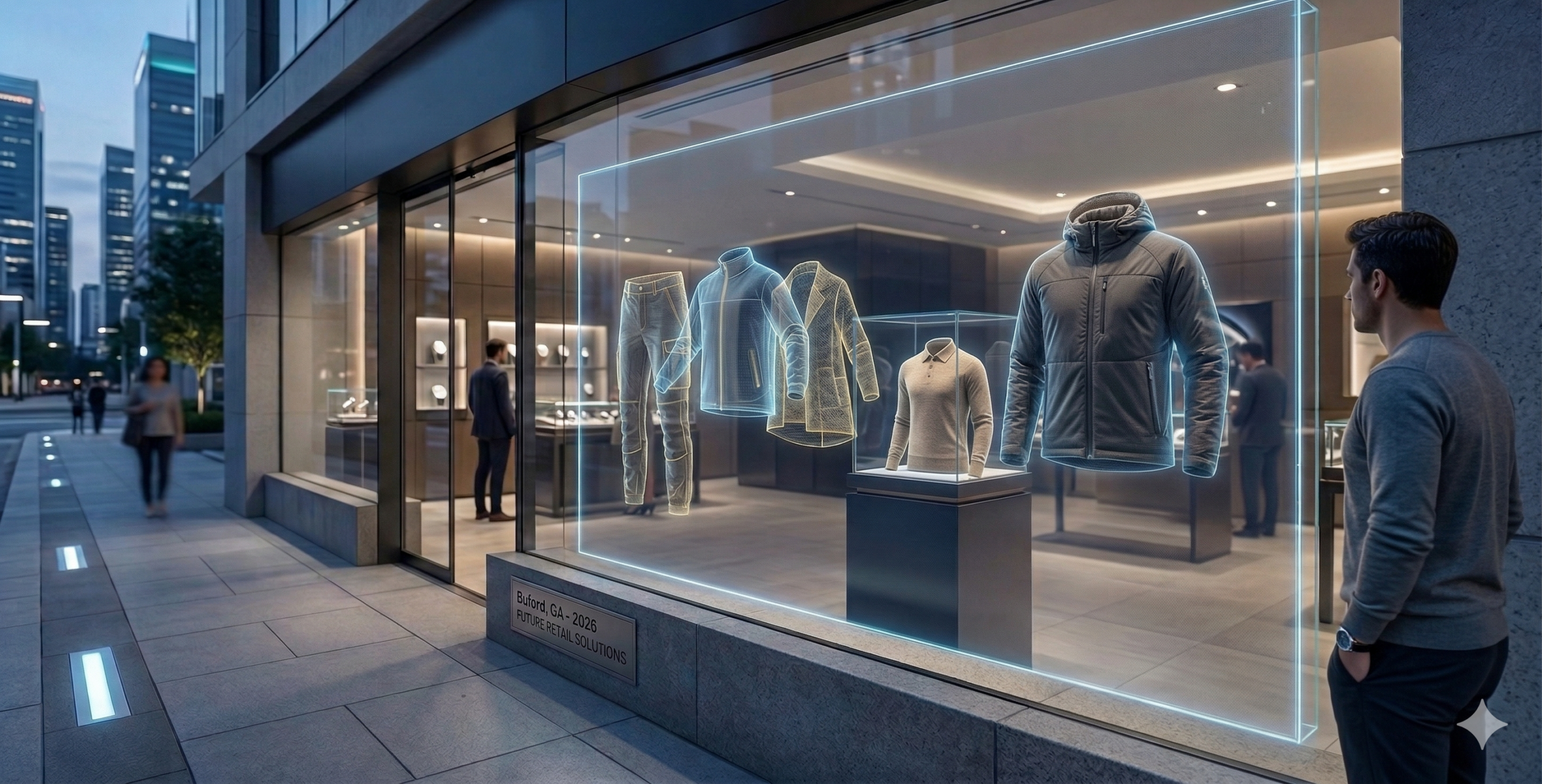
Retailers use media facades to display product launches, promotional campaigns, and seasonal collections directly on storefront glass.
Unlike traditional posters, digital content can be updated instantly, helping brands keep their storefronts fresh and engaging.
Shopping Malls
Shopping malls benefit from media facades by creating immersive customer experiences.
Large glass atriums can showcase brand campaigns, event promotions, and interactive digital content that attracts visitors.
Corporate Offices
Corporate buildings increasingly use transparent LED displays to communicate company branding, welcome visitors, and create premium reception experiences.
These installations help businesses reinforce their identity while maintaining a clean, modern aesthetic.
👉 Learn more about our Corporate Lobby solutions:
https://gleamled.com/transparent-led-screen-use-cases/transparent-led-screen-corporate-lobby/
Automotive & Luxury Showrooms
Transparent LED media facades are becoming popular in automotive, jewellery, and luxury retail showrooms.
Instead of hiding products behind printed graphics, businesses can showcase dynamic digital content while allowing customers to see the products inside.
👉 Explore Showroom Applications:
https://gleamled.com/transparent-led-screen-use-cases/led-screen-showroom-display/
Benefits of Media Facades
Enhance Brand Visibility
A media facade turns an entire building into a powerful branding platform.
Instead of relying on static signage, businesses can display videos, animations, product launches, and promotional campaigns that capture attention.
Maintain Architectural Beauty
Transparent LED displays preserve the elegance of glass architecture while adding digital functionality.
Increase Customer Engagement
Moving visuals naturally attract more attention than static displays, encouraging visitors to stop, explore, and engage with the brand.
Future-Proof Your Building
As cities become smarter and more connected, digital architecture is becoming an essential part of commercial developments.
Installing a media facade today prepares your building for the future.
Why Choose Gleam LED?
At Gleam LED, we provide transparent LED display solutions designed for modern commercial architecture.
Our solutions are suitable for:
- Glass facades
- Retail storefronts
- Shopping malls
- Corporate offices
- Hotels
- Showrooms
- Experience centres
Whether you’re designing a new commercial building or upgrading an existing space, our team can help you select the right transparent LED solution for your project.
👉 Explore the INV Series Transparent Screen:
https://gleamled.com/our-products/transparent-display/inv-transparent-screen/